
PC Anatomy
Interactive 3D explorer for taking apart a desktop PC
About PC Anatomy
PC Anatomy is a browser-based 3D viewer that shows how a desktop computer is built. It is aimed at students, first-time builders and anyone curious about what sits inside a tower case and how the parts fit together.
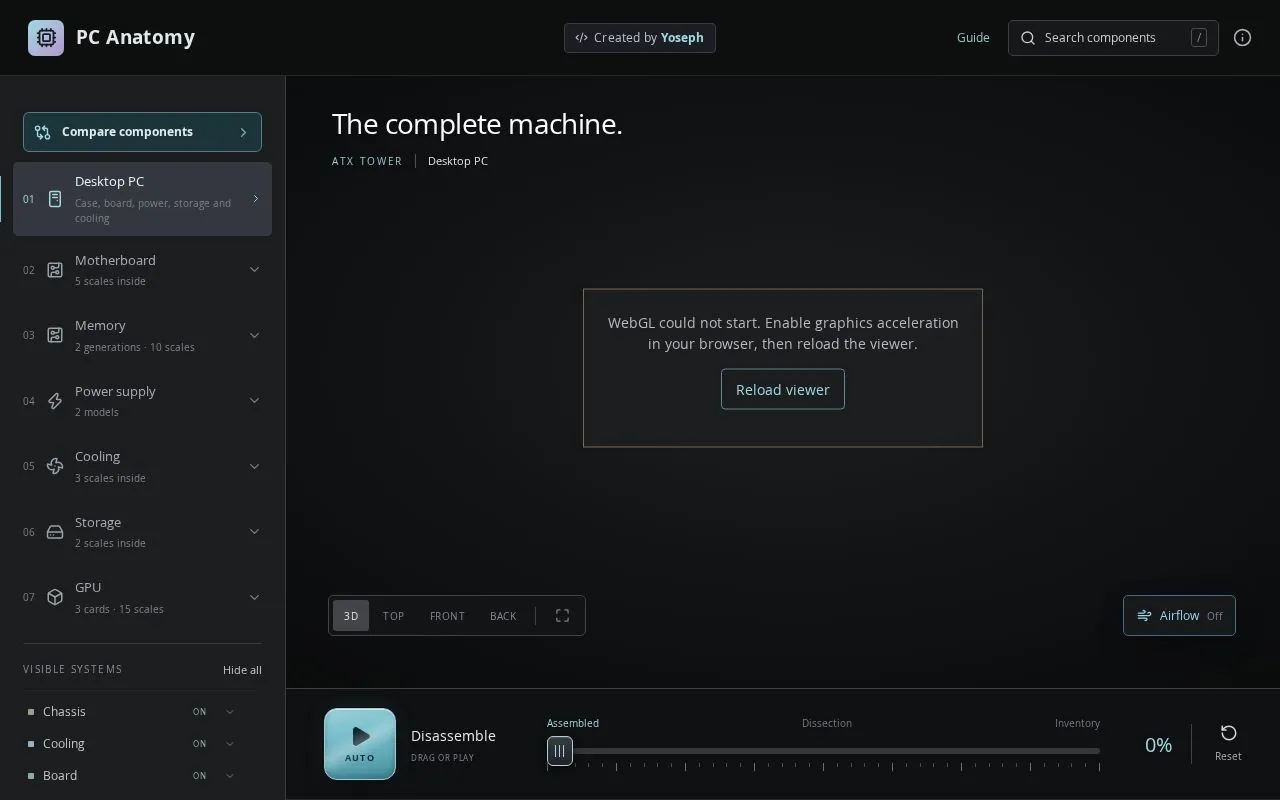
The viewer starts with a complete ATX tower and lets visitors pull it apart with a slider or an auto-play disassembly, moving from the assembled machine through a dissection view to a full inventory of parts. Camera presets offer 3D, top, front and back angles, and an airflow toggle is available. A sidebar lists the motherboard, memory, power supply, cooling, storage and GPU, each with several scales or models to browse, and individual systems such as chassis, cooling or board can be shown or hidden.
A component search, a compare tool and a written guide are also included. The viewer needs WebGL, so graphics acceleration must be enabled in the browser. The site is created by Yoseph.
Related tools
PC Anatomy alternatives
Atrium.Earth
Digital sculpture museum with 2000 works in 3D, AR and VR

HeyDevJob
Hands-on engineering projects that build a verified portfolio
Helian
1:1 scale solar system you can explore in the browser

earth.
Interactive 3D globe that travels through Earth's history

QuikAuthor
Turn documents and videos into interactive microlearning

Monkey Typing
Free online typing speed test with WPM and accuracy stats