
Auto Timelapse
Turn long videos into timelapses in your browser
About Auto Timelapse
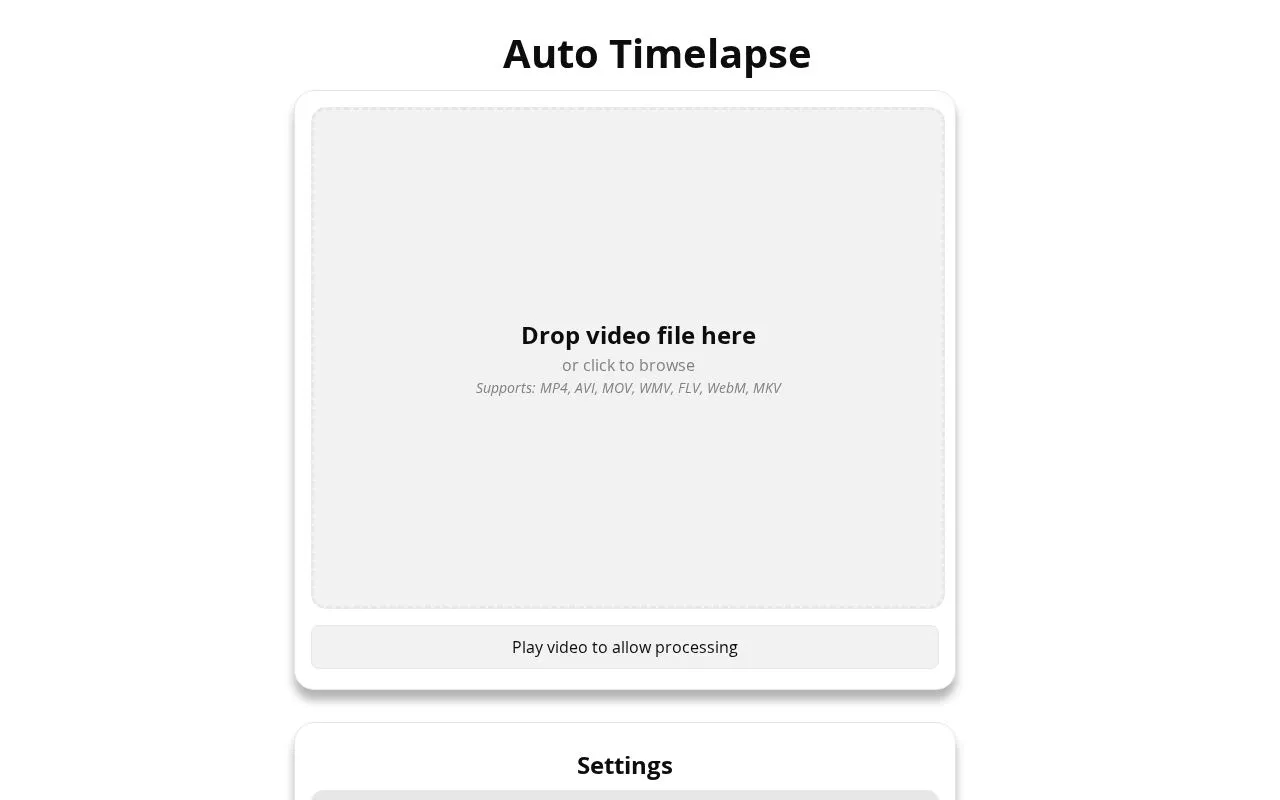
Auto Timelapse is a web tool for people who want to speed up long recordings without editing them by hand. Drop in a video file in a common format such as MP4, MOV or WebM, pick a sample rate, and the tool builds a shorter timelapse from the frames you keep.
The settings let you control output quality and format, choose how often a frame is sampled, and remove near-duplicate frames that add length but little motion. An optional human detector can drop frames containing people, blur them, or keep only the frames that show them, which suits sites where you want to avoid capturing passersby.
The processing is described as running on the page itself, and the video must be played once before processing starts. The site does not state a price, sign-up, or any AI assistant integration.
Related tools
Auto Timelapse alternatives
Knock Knock
A browser groovebox with pads, sequencer and sample chopping

MiniMax H3 Studio
Online AI video generator with native 2K and stereo audio

FreeVideoGenerator
Turn text prompts and photos into short AI video clips

Closed on Sunday AI
Turn one photo into an AI choir video

StemKit
Split YouTube songs or local files into stems on your machine

OzilAI
Turn one photo into a Mesut Ozil style solo goal video