
Screenshot Editor
Erase or replace text in screenshots, locally in your browser
About Screenshot Editor
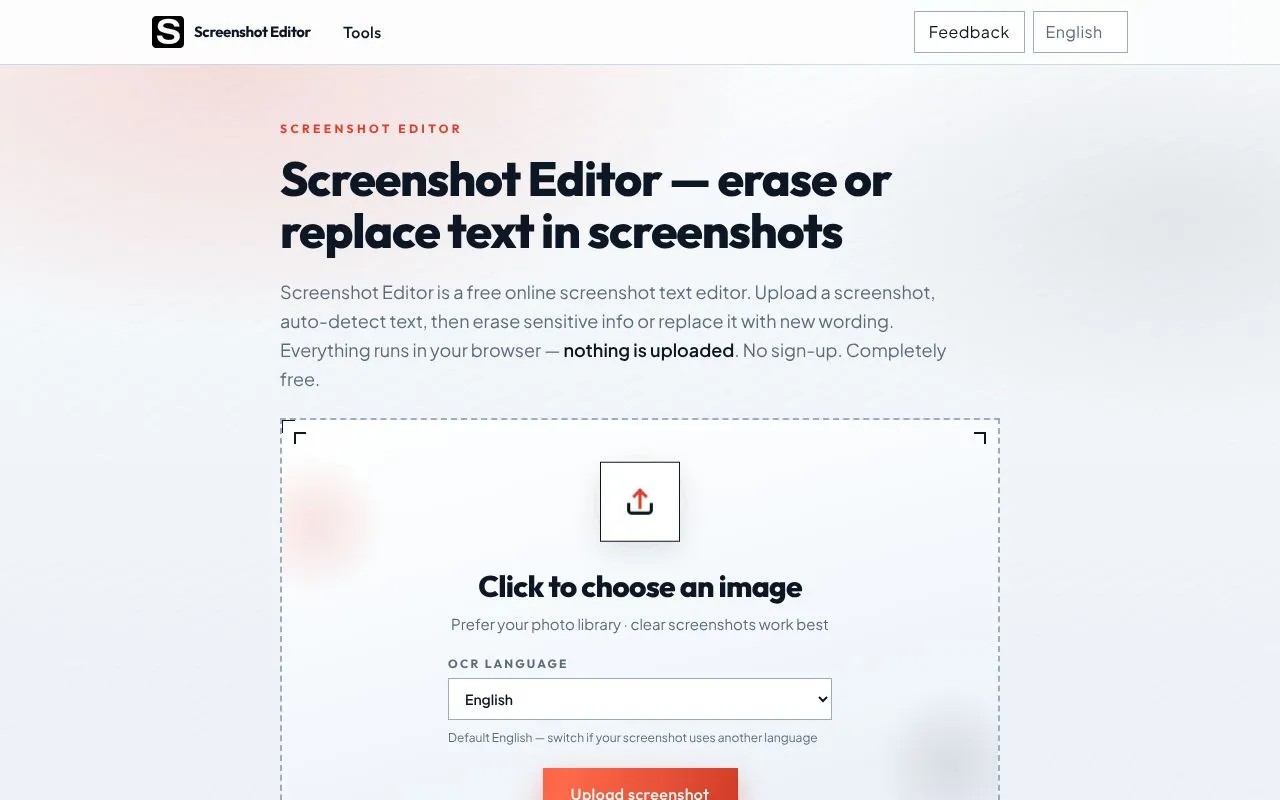
Screenshot Editor is a free, browser-based tool for people who need to remove or change wording in a screenshot without installing desktop software. It is aimed at support teams, marketers, creators, students and anyone who shares captures online and wants to hide phone numbers, account IDs or amounts, or fix a typo in a slide or tutorial.
The workflow is short: upload a PNG or JPG, let built-in OCR detect the text, then either erase a region and let the background fill in, or type replacement text. The OCR language can be switched from English to Chinese, Japanese, Korean and several European languages, and the result downloads as a PNG at the original resolution.
What sets it apart is privacy. The site states that OCR and editing run in the browser through WebAssembly and Canvas, so images are not uploaded to a server. No account, watermark or usage limit is mentioned.
Related tools
Screenshot Editor alternatives
CharaFold
Body views and expressions from one character image

Profilfoto KI
KI-Profilfotos aus einem Selfie, ohne Studiotermin

Tenzen Studio
Creative desktop apps as one-time purchases, not subscriptions

AI Halloween
Turn a selfie into a Halloween costume portrait

Color Finder & Extractor
Pick exact HEX, RGB and HSL colors from images or screen

RGB Pantone
Convert RGB colors to the closest Pantone matches