
ExcelCompare
Compare two Excel files cell by cell in your browser
About ExcelCompare
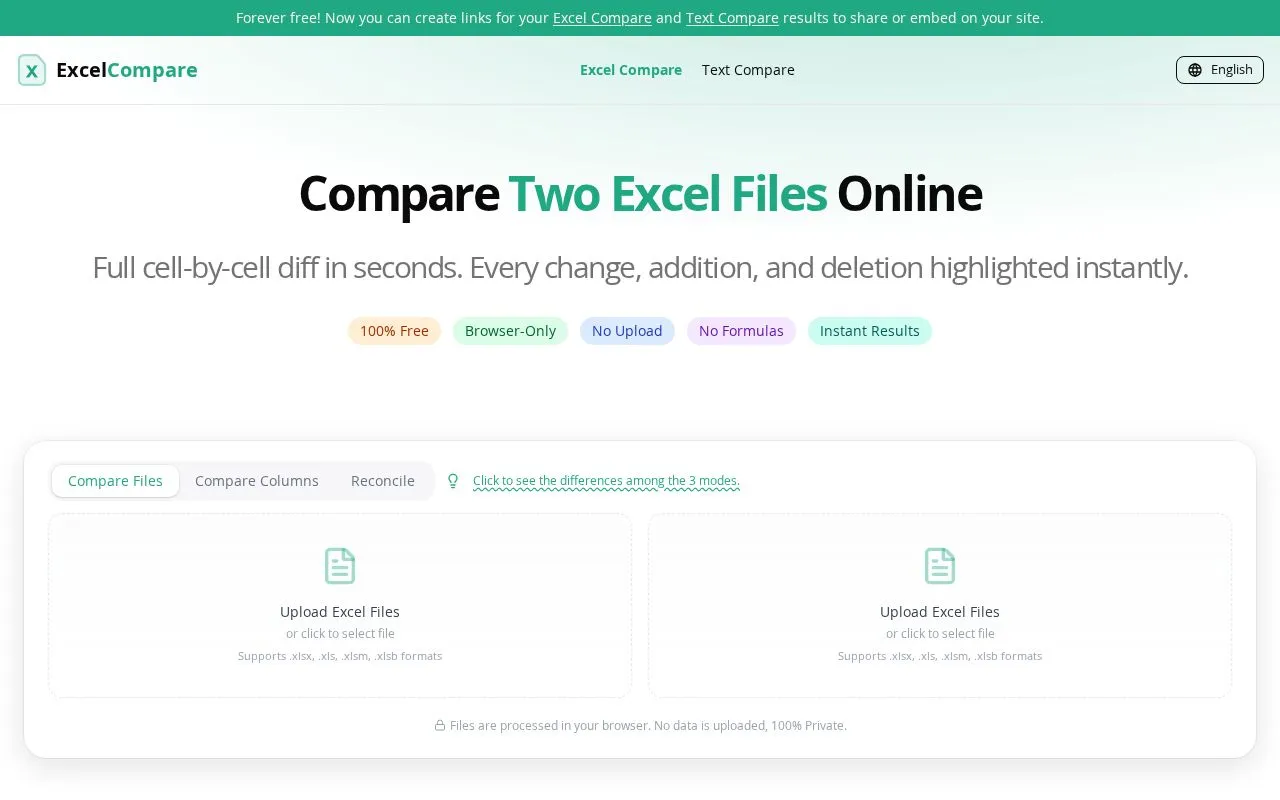
ExcelCompare is a free online tool for people who need to find what changed between two spreadsheets. It is aimed at analysts, auditors, accountants, operations staff and anyone who receives updated data files without a list of edits. Users upload two Excel files and see a full cell-by-cell comparison, with changed cells, added rows and deleted rows highlighted.
The site offers three modes. Compare Files shows two sheets side by side with synchronized scrolling, Compare Columns checks which values appear in both lists or only in one, and Reconcile matches records by an ID column and a value column, with filters for full matches, mismatches and missing keys. It supports .xlsx, .xls, .xlsm and .xlsb files.
The main difference is that processing happens locally in the browser, so files are not uploaded to a server. No installation or account is needed to start a comparison.
Related tools
ExcelCompare alternatives
Global Data Tracker
World statistics and country data with sources for each figure

OwlInsight
A simpler dashboard for your existing GA4 data

Martian Alpha
Space stock research terminal with launch and market data

Jolene.pro
Ask questions of Excel and CSV files, get cited answers
Scratch Scout
Scratch-off lottery odds and expected value by state

RegexLab
Free browser regex tester with GA4 page path and event filter presets