
Editmamei Connect
Photo editing through your AI assistant via remote MCP
Use Editmamei Connect with your AI assistant
MCP server
claude mcp add --transport http editmamei-connect https://connect.editmamei.com/mcpYou'll be asked to sign in the first time the server is used.
Verified against Editmamei Connect's own website when the listing was saved. Check the maker's docs and only install tools you trust.
About Editmamei Connect
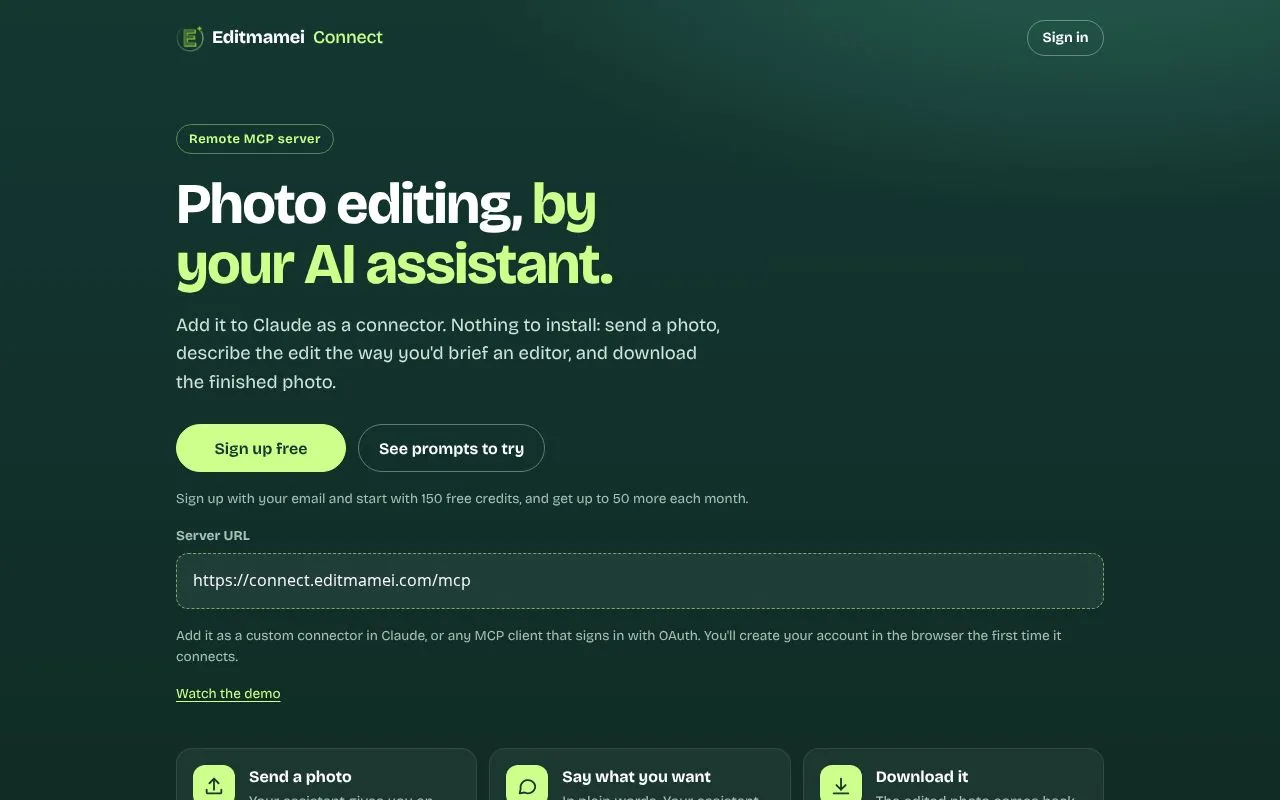
Editmamei Connect is a remote MCP server that lets an AI assistant edit photos for you. It is aimed at people who already work with Claude or another MCP client and want to retouch images by describing the result instead of opening an editing app.
The flow has three steps. The assistant gives you an upload link, which opens the photo library on a phone. You then describe the edit in plain words, the way you would brief a human editor, and the assistant chooses the tools and checks the result. The finished photo comes back as a download link that is kept for 24 hours.
Nothing needs to be installed. You add the server URL as a custom connector in Claude, ChatGPT or any MCP client that supports OAuth sign-in, and create your account in the browser on first connect. Signing up is free and starts with 150 credits, with up to 50 more each month.
Related tools
Editmamei Connect alternatives
CharaFold
Body views and expressions from one character image

Profilfoto KI
KI-Profilfotos aus einem Selfie, ohne Studiotermin

Tenzen Studio
Creative desktop apps as one-time purchases, not subscriptions

AI Halloween
Turn a selfie into a Halloween costume portrait
GEN LAYERS
AI YouTube thumbnail generator and editor

RGB Pantone
Convert RGB colors to the closest Pantone matches